
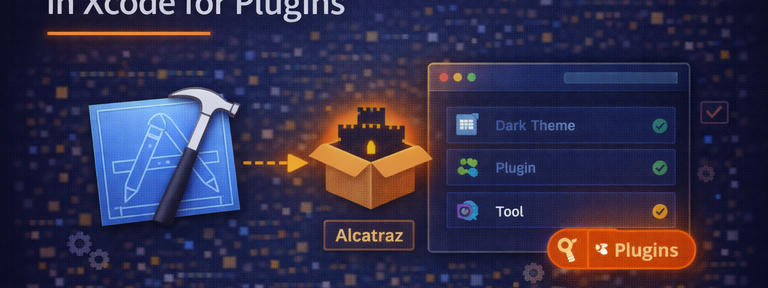
Installing Alcatraz Package Manager in XCode for plugins
In recent versions of Xcode. Apple is stingy about any plug in is being used by xcode. So I am updating this blog with two methods of installations. Method 1: (super easy) copy...

In recent versions of Xcode. Apple is stingy about any plug-in is being used by xcode.
So I am updating this blog with two methods of installations.
Method #1:
(super easy) copy paste and you are done. (But you are dev, you would want chellenge, Yes. Right? Follow Method #2)
To install, open up your terminal and paste this:
[shell title=“Double click to select” collapse=“false” wraplines=“true”]
curl -fsSL https://raw.github.com/alcatraz/Alcatraz/master/Scripts/install.sh | sh
[/shell]
Alcatraz requires Xcode Command Line Tools, which can be installed in Xcode via Preferences > Downloads.
This manager comes with several plugins linked that can be installed and make good use of it. As shown below :

You can access it under XCode > Window > Package Manager or Shift+CMd+9

I use ACCodeSnippetRepositoryPlugin to save my code snippet to github and it does it automatically. Thanks to Author. Below is the github link.
https://github.com/acoomans/ACCodeSnippetRepositoryPlugin
Enjoy Coding.