
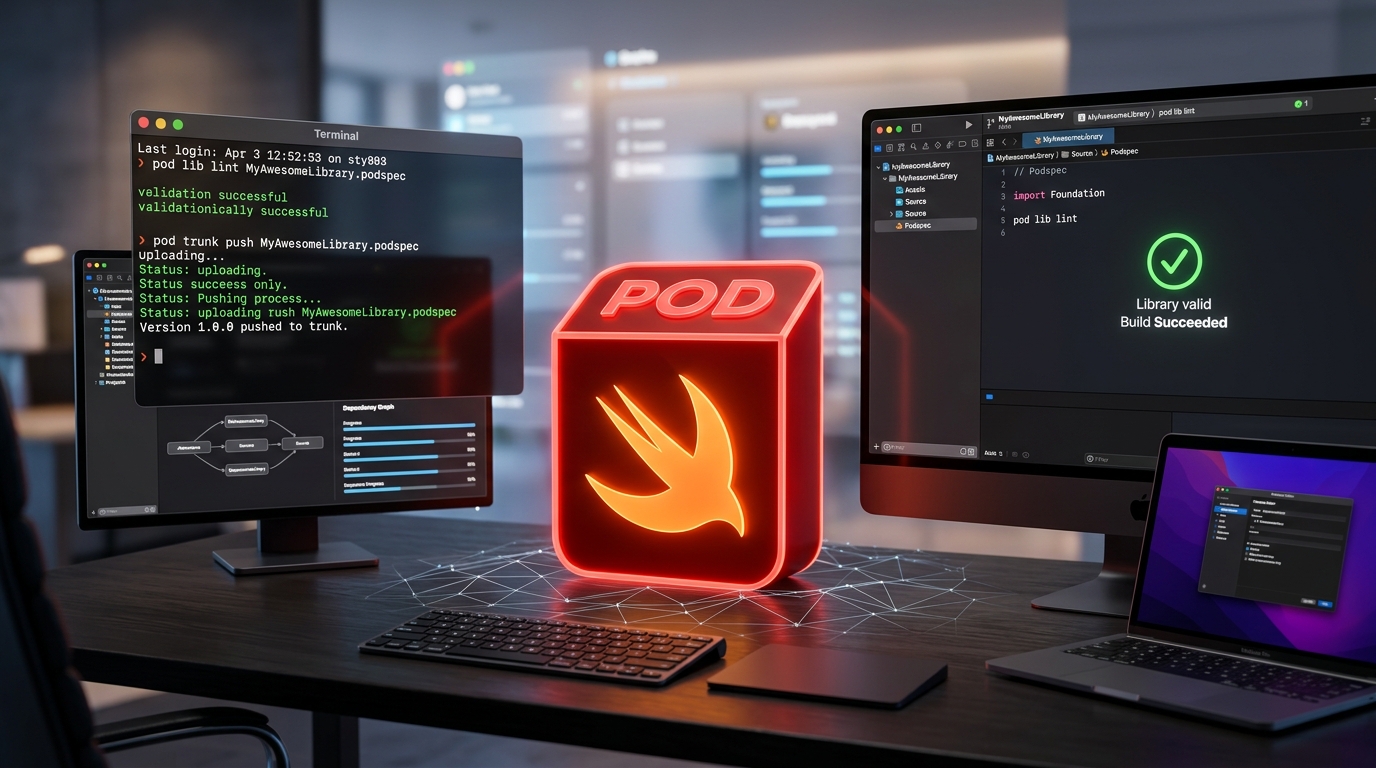
Steps to publish to cocoapods
edit podspec push branch to remote on terminal : add same tag as podspec git remote git tag a 0.1.1 m"tag 0.1.1 added" git push origin tags on terminal now push push pod to trun...
-
edit podspec
-
push branch to remote
-
on terminal : add same tag as podspec
-
git remote
-
git tag -a 0.1.1 -m”tag 0.1.1 added”
-
git push origin —tags
-
-
on terminal now push push pod to trunk
-
pod trunk push
-
you should have msg like below
-
[!] Found podspec `MTCustomAppearance.podspec`
Validating podspec
-> MTCustomAppearance (0.1.1)
- Log messages:
- September 5th, 10:32: Push for `MTCustomAppearance 0.1.1’ initiated.
- September 5th, 10:32: Push for `MTCustomAppearance 0.1.1’ has been pushed
(1.443742272 s).
-
This should push you pod to the cocoapods and you should see new version there.